
Release Notes
Access information, documents, and the knowledge base about the various programs offered by HUD in the state of Connecticut.
Changes to CaseWorthy’s User Interface
Published: December 5, 2025
Overview
Updates to our HMIS platform are now live. Our vendor has officially merged the CaseWorthy and ClientTrack brands.
Here are the most important changes:
1. Navigation has Moved
The most significant change to your workflow will be the navigation layout.
- Vertical Sidebar: The tabs that used to be at the top of the screen have moved to a vertical navigation bar on the left side.
- Icons: Sections like Case Management, Organization, and Reports are now represented by icons in this sidebar. Simply hover over an icon to see the name.
- One Location: This update consolidates the menu and tabs into one consistent location on the left.

2. Updated Colors & Buttons
The vendor has introduced a new color palette to distinguish action types:
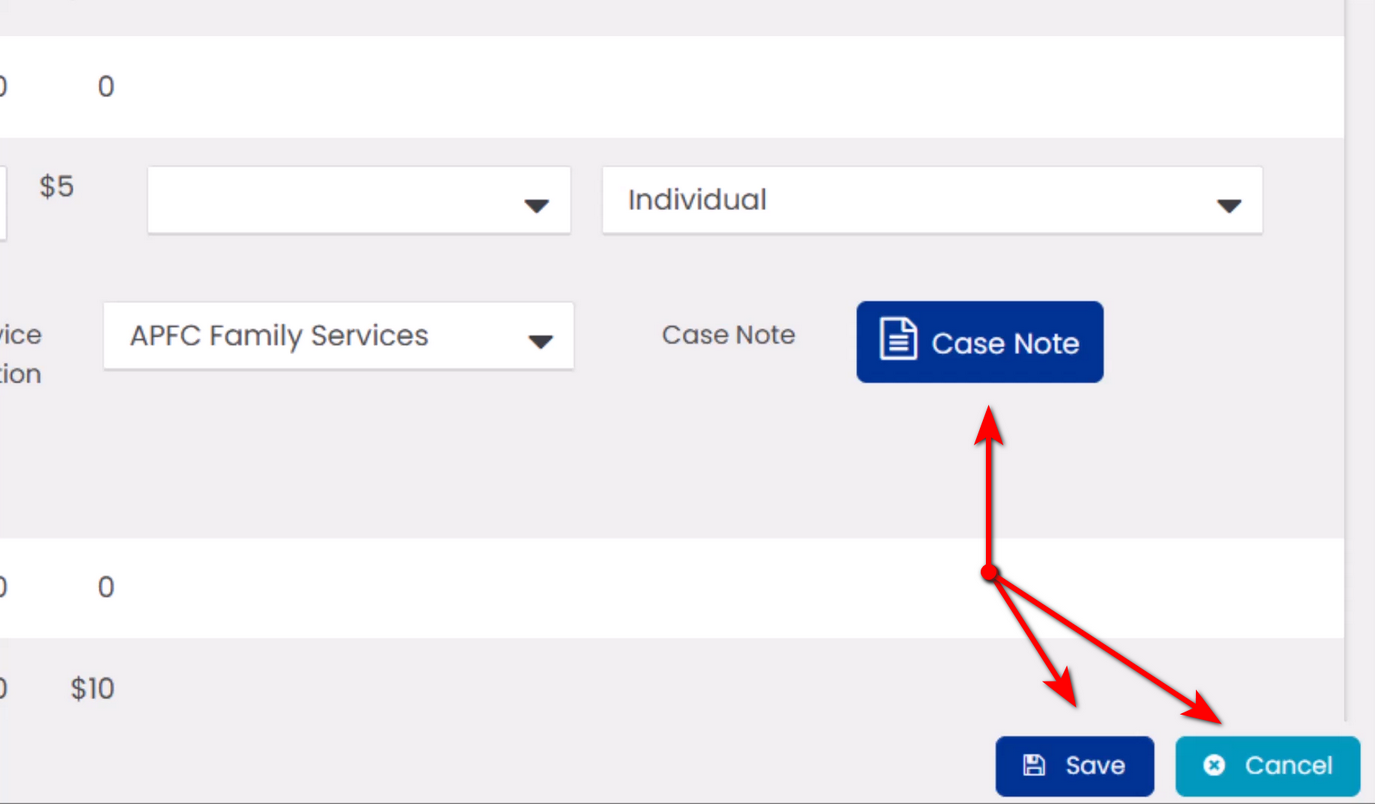
- Primary Actions (Dark Blue): Important buttons like “Save,” “Search,” and “Add New” are now a distinct dark blue.
- Secondary Actions (Light Blue): Buttons like “Cancel” and “Done” remain light blue.
- Page Options: Secondary buttons like “Page Options” and “Tutorials” are now green.
- Loading Screen: The “Case Birdie” has been replaced by an updated animated logo.
3. What did NOT Change
To ensure you can still easily identify your current environment, the Top Bar Colors remain unchanged:
- Green: UAT (Testing)
- Blue: Training
- White: Production (Live Data)

If you have any questions or concerns, please submit a ticket at cthmis.com/support.
Impact & Necessary Actions
N/A
Released On
12/02/2025
HMIS Roles Affected
- ALL Roles